Add after position profit
Learn
NoIndicators
| slug | add-after-position-profit |
|---|---|
| code | EB-ORDERS-01 |
| stem | EG_AddAfterPositionProfit |
| teaches | Orders count + last Profit PT / money Profit (scale-in) |
| in tool | Built-in — select in Save/Load (no download) |
Idea
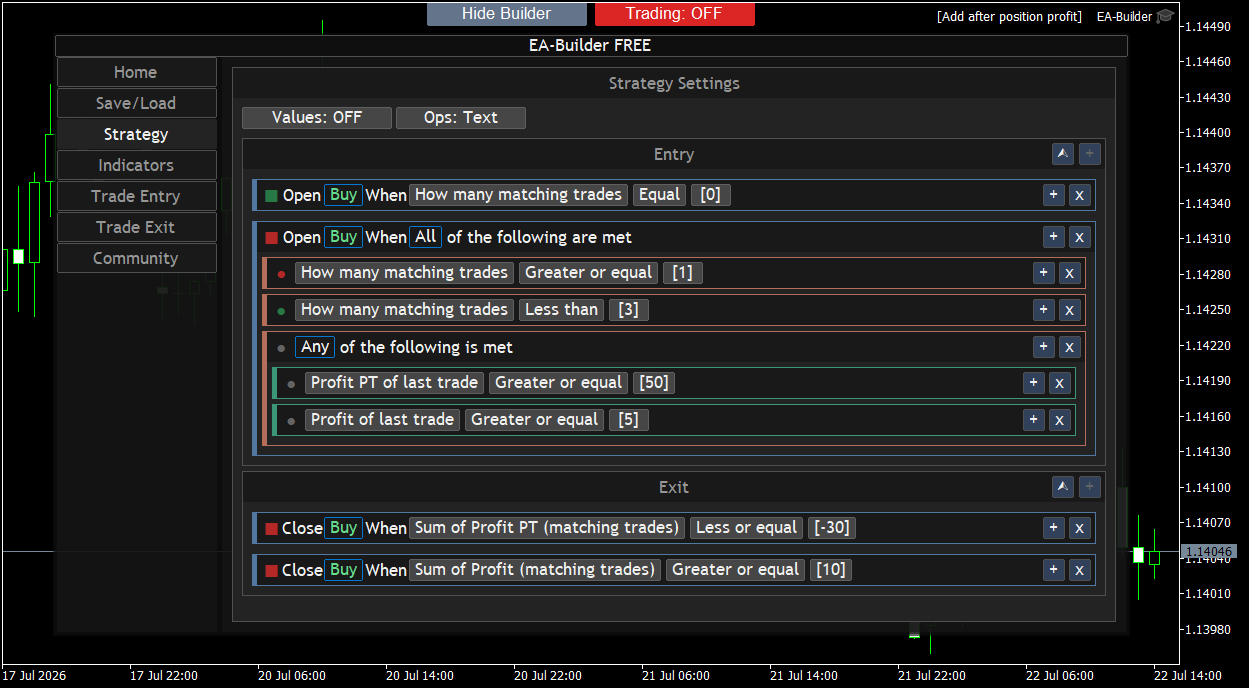
Buy-only scale-in. No indicators — open the Orders cells in the condition tree to see count and trade properties.
- First Buy — Buy open count on the chart symbol is 0 (Orders-only seed when flat).
- Add Buys — count ≥ 1 and < 3, and the last Buy is in profit: Profit PT ≥ 50 points or money Profit ≥ 5.
- Exit (stop) — last Buy Profit PT ≤ −30.
- Exit (take-profit) — last Buy money Profit ≥ 10.
Trade Entry sets Max Buy positions to 3 so the adds can run. Profit PT is price distance in points (open → current), not account currency.
What this Learn highlights
- Orders count — “how many open Buys” as a condition.
- Trade property — last Buy’s Profit PT and money Profit.
- Scale-in — reinforce after the last Buy moves in your favor.
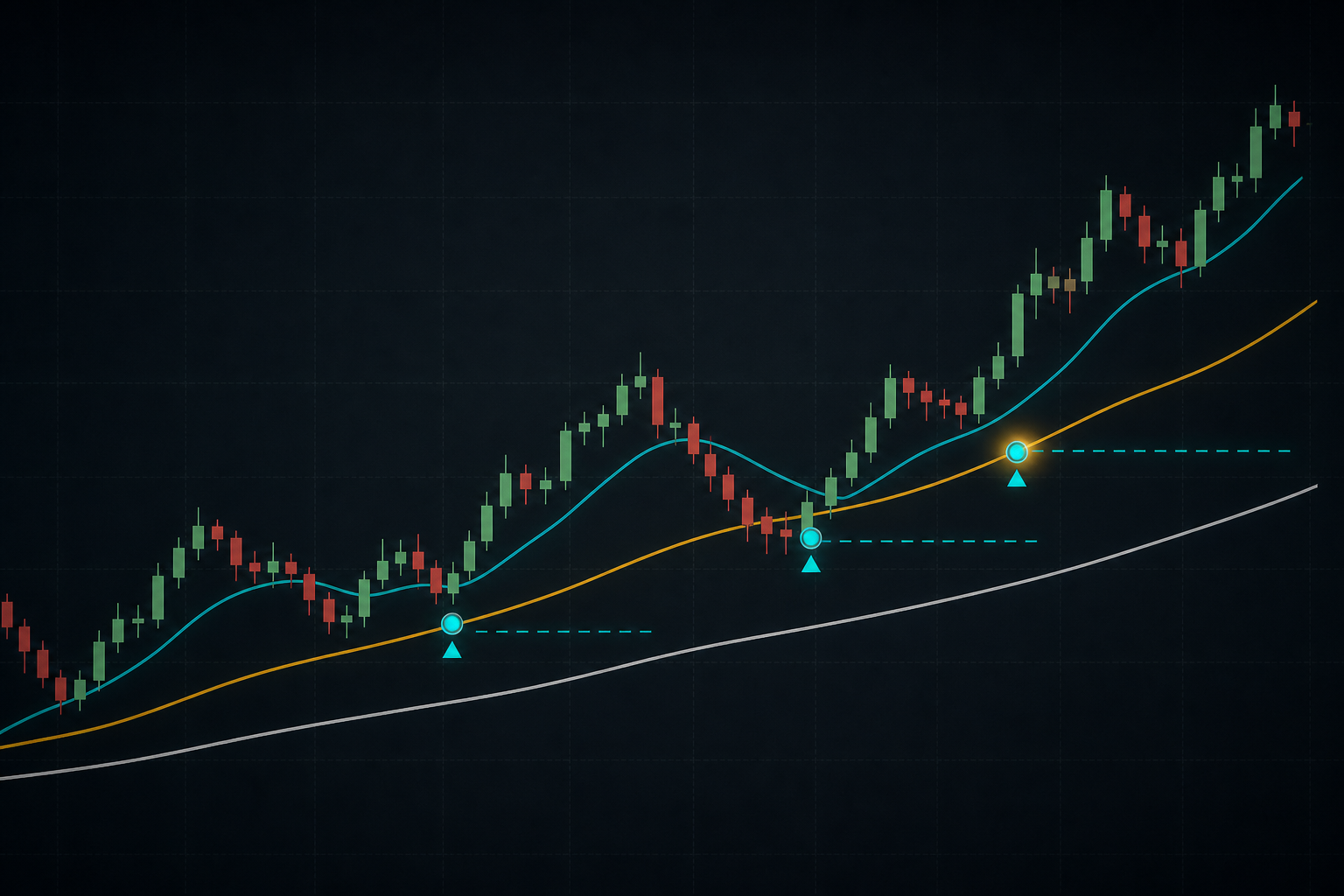
Chart Examples